Try the examples
Find homepage bugs, explore accessibility, and challenge input boundaries.
Explore free samples → HOW AI TESTS SOFTWARETHE COURSE / JASON ARBON
Parts One–Six recorded · Free previews
A fast, practical path to better testing with AI.
Find bugs, build tests, investigate risks, and make better release decisions—with skills you can use on your next project.
 The full course is live on Udemy.
Six hours of practical AI testing. Start learning today.
Enroll on Udemy ↗Your tools. Your stack. The same testing principles.
 Claude
 ChatGPTCodex
 Cursor
 GitHub Copilot
 Selenium
 Vibium
 Cypress
 Appium
 Jira
 GitHub Issues
 GitLab Issues
 Linear
 TestRail
 Xray
 ZephyrqTest
 Testmo
 Python
 TypeScript
 Java
 JavaScript
 C#
 Sauce Labs
 AWS Device Farm
 Firebase Test Lab
 iOS
 Android
 Windows
 macOS
 Linux
 Chrome
 Firefox
 Safari
 EdgeChromium
 MCPREST APIs
 GraphQL
 OpenAPIWebDriver BiDi
Apply the course methods across these ecosystems. Available actions depend on your agent’s tools, connectors, permissions, and setup—not built-in integration with every product. Chat-only tools cannot operate a browser without browser access.
ClaudeChatGPTCodexCursorGitHub CopilotSeleniumVibiumCypressAppiumJiraGitHub IssuesGitLab IssuesLinearTestRailXrayZephyrqTestTestmoPythonTypeScriptJavaJavaScriptC#Sauce LabsAWS Device FarmFirebase Test LabiOSAndroidWindowsmacOSLinuxChromeFirefoxSafariEdgeChromiumMCPREST APIsGraphQLOpenAPIWebDriver BiDiImprove the way you test—from your first bug investigation to automated checks and release confidence. Practice on TestBucks, then bring the methods to your own product.
Use AI to investigate screens, logs, code, and data. Turn more evidence into useful findings, without treating every AI answer as fact.
Move from one-off prompts to reusable tests and workflows. Apply AI across functionality, security, accessibility, performance, and more.
Prioritize the risks that matter, challenge weak evidence, and explain whether a release is ready. Put your new skills into practice.
 YOUR INSTRUCTOR
Almost 20 years focused on testing AI—and using AI to test software.
Jason uses AI across every aspect of testing—from analyzing risks and investigating bugs to building and running tests, evaluating results, and assessing release confidence. Learn his methods and put them to work on your own software.
These workshops have been refined through presentations at several of the world’s largest testing and AI conferences.
“My personal mission is to improve the quality of the world's apps.”
Some of the lessons in this course also come from Jason’s experience raising $30 million from Google to focus on testing and AI.






Companies and products Jason has worked on or with.
Experience, not endorsements.
Use practical, copy-and-paste prompts in your AI agent to apply the course methods to your own testing. Start with three worked exercises, two prompt samples, and two screenshot examples. Unlock the complete collection with your course access code.
Find homepage bugs, explore accessibility, and challenge input boundaries.
Explore free samples →Use our fictional coffee shop to practice with your own AI coding agent.
Open TestBucks ↗Enroll on Udemy for the full course. The companion exercise library, prompts, screenshot examples, and slides remain protected by an access code.
Get the course on Udemy ↗Enroll in the full How AI Tests Software course and learn at your own pace on Udemy.
View current pricing and purchase the course on Udemy.
73 lessons · 6 hours
Nine free previews. No sign-in needed.
Who the course is for, what you will learn, and where the six-part journey is headed.
IN THIS VIDEO
 4:25
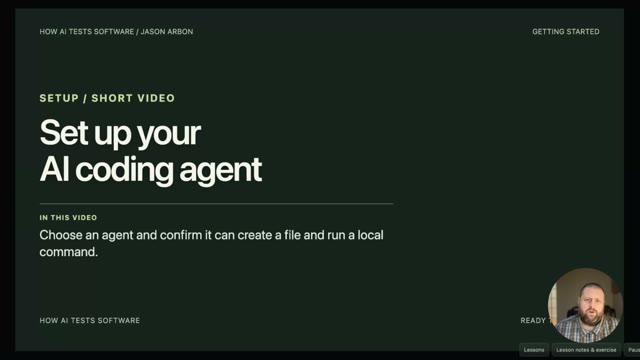
Get an agent reading local files, set safe boundaries, and choose a suitable practice environment.
IN THIS VIDEO
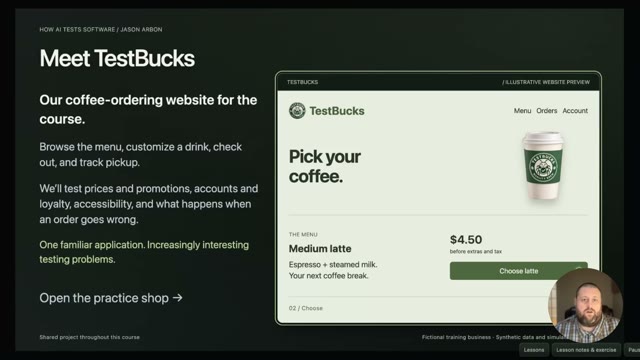 1:49
Use a fictional coffee shop to make your first evidence-backed observations.
IN THIS VIDEO
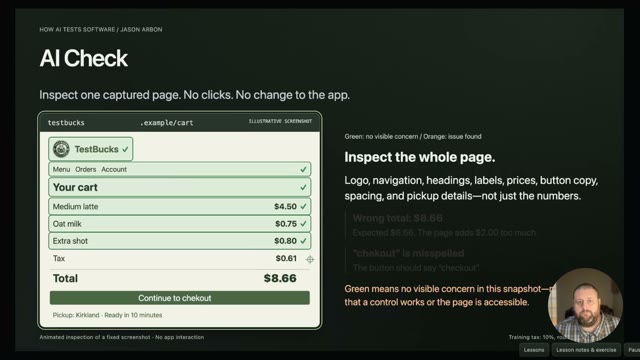 5:35
Separate artifact inspection from interactive testing and longer-running quality workflows.
IN THIS VIDEO
Inspect screenshots, logs, and source artifacts. Learn what a screenshot can and cannot prove.
IN THIS VIDEO
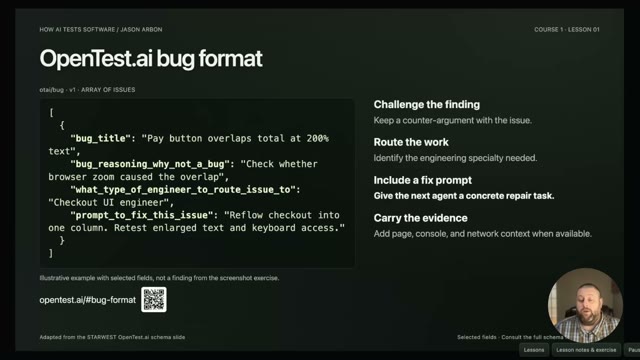 4:56
Use OpenTest.ai-style fields for reasoning, counterarguments, routing, and a fix prompt.
IN THIS VIDEO
 6:06
Inspect network traces, console logs, and database artifacts, not just the visible page.
IN THIS VIDEO
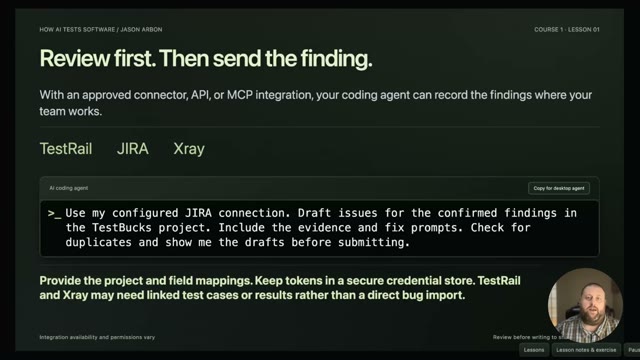 2:20
Connect issue and test repositories while keeping a human review step before filing.
IN THIS VIDEO
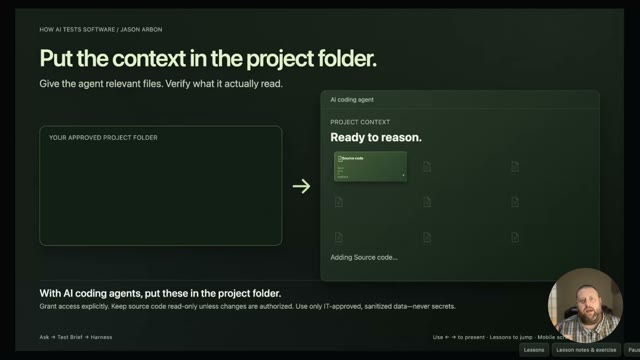 5:15
Combine product rules, code, logs, and team knowledge to investigate more effectively.
IN THIS VIDEO
 6:47
Find inconsistencies across pages and consolidate repeated findings into actionable issues.
IN THIS VIDEO
Turn known failure modes into reusable checking questions instead of one-off hard-coded cases.
IN THIS VIDEO
 5:03
Understand refusals, authorized testing context, and the product behavior that follows a refusal.
IN THIS VIDEO
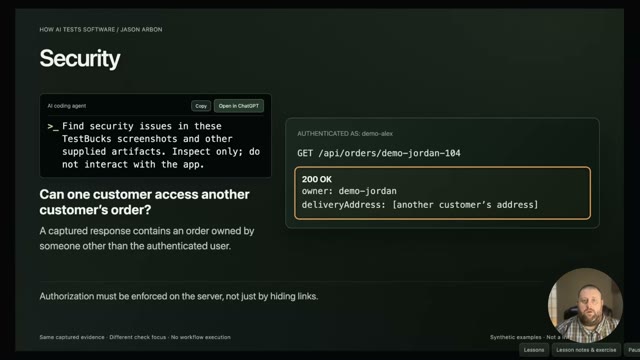 1:58
Look for cross-customer data, unintended disclosures, and inconsistencies in captured evidence.
IN THIS VIDEO
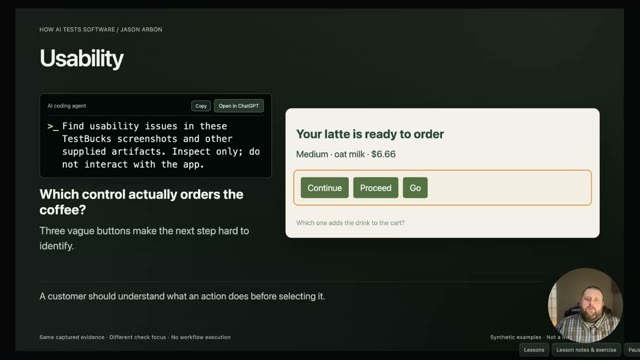 4:14
Examine confusing choices, meaningful alternative text, zoom behavior, and visual accessibility.
IN THIS VIDEO
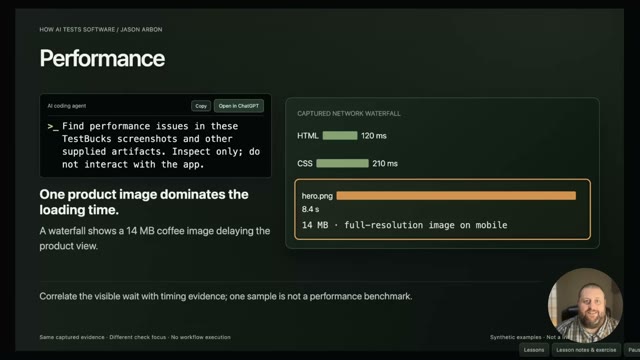 3:35
Investigate heavy assets, awkward layouts, and experiences that undermine customer trust.
IN THIS VIDEO
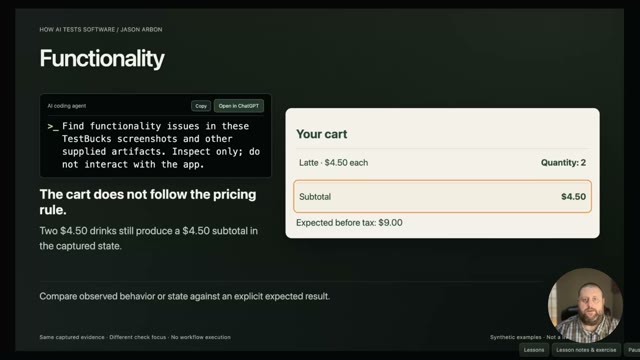 5:42
Check calculations, hidden retries, network problems, and responsive layouts.
IN THIS VIDEO
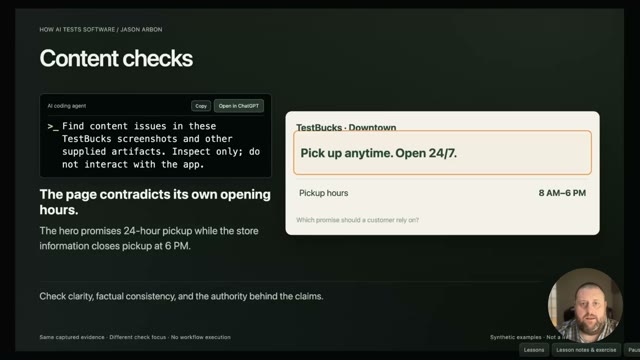 4:46
Compare claims, locales, stored data, and API behavior for contradictions.
IN THIS VIDEO
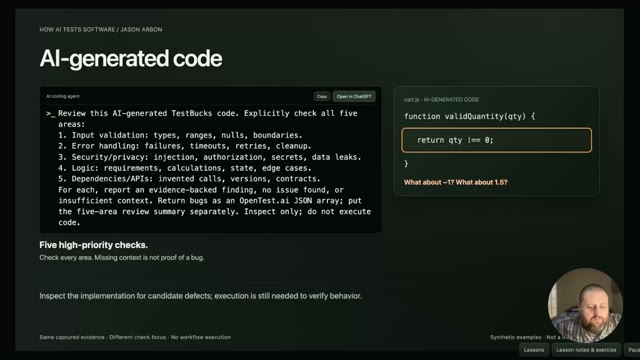 2:53
Ask for focused code review and challenge what the generating agent overlooked.
IN THIS VIDEO
 4:36
Use AI to flag potential issues for expert review, not to certify legal compliance.
IN THIS VIDEO
 3:22
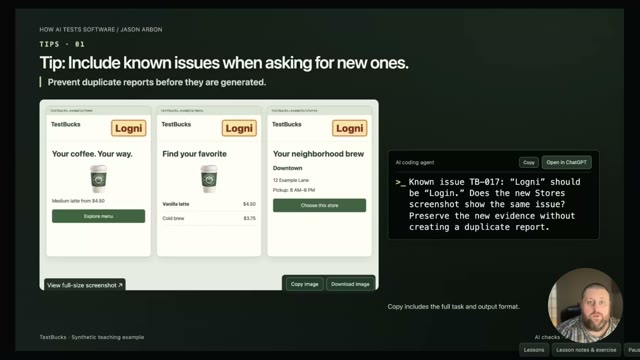
Bring known issues into the prompt, vary application state, and judge search relevance.
IN THIS VIDEO
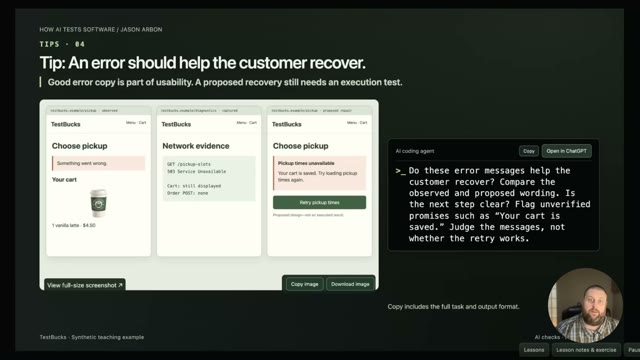 2:59
Review recovery paths and specifications, then combine complementary artifact checks.
IN THIS VIDEO
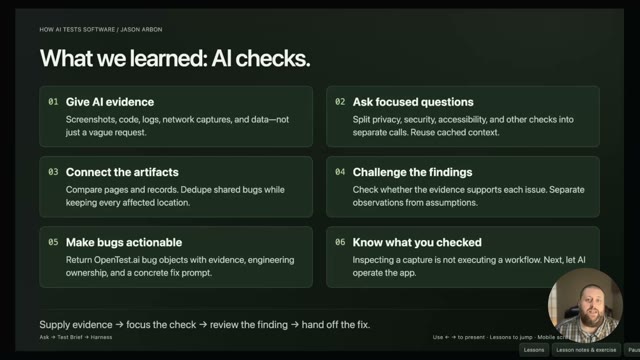 2:30
Connect evidence, focus the questions, challenge findings, and make bugs actionable.
IN THIS VIDEO
 3:11
Interactive tests: act and verify. A recorded TestBucks-based lesson with Jason Arbon.
IN THIS VIDEO
Let the agent drive the browser. A recorded TestBucks-based lesson with Jason Arbon.
IN THIS VIDEO
 3:37
Connect your existing testing tools. A recorded TestBucks-based lesson with Jason Arbon.
IN THIS VIDEO
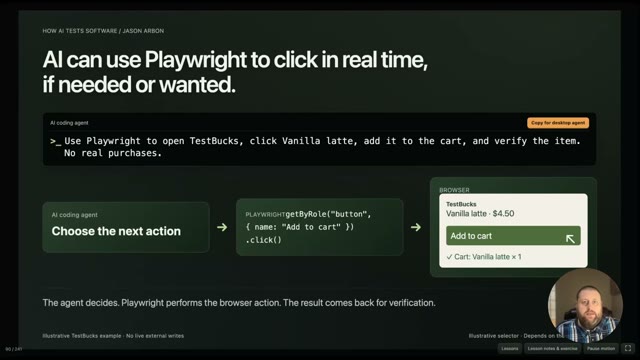 2:58
Use frameworks and save results to your tools. A recorded TestBucks-based lesson with Jason Arbon.
IN THIS VIDEO
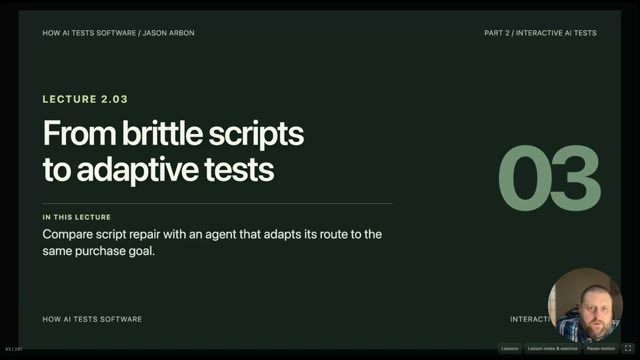 3:40
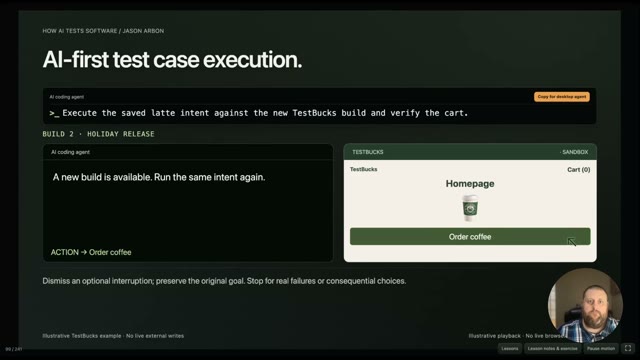
Adaptive tests and AI-first bug tracking. A recorded TestBucks-based lesson with Jason Arbon.
IN THIS VIDEO
 3:41
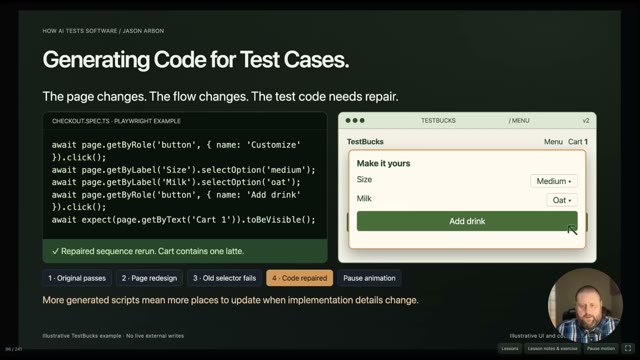
Why generated test code still breaks. A recorded TestBucks-based lesson with Jason Arbon.
IN THIS VIDEO
 2:43
Save the intent, not the brittle path. A recorded TestBucks-based lesson with Jason Arbon.
IN THIS VIDEO
 4:38
Executable intents and the OpenTest.ai schema. A recorded TestBucks-based lesson with Jason Arbon.
IN THIS VIDEO
 3:23
Preserve evidence and explain the result. A recorded TestBucks-based lesson with Jason Arbon.
IN THIS VIDEO
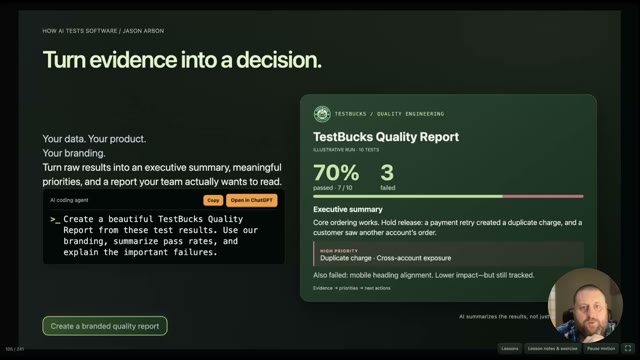 2:55
Turn evidence into a quality decision. A recorded TestBucks-based lesson with Jason Arbon.
IN THIS VIDEO
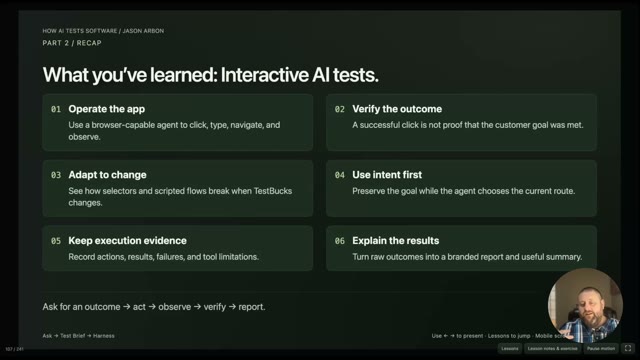 0:38
Part Two recap: interactive AI testing. A recorded TestBucks-based lesson with Jason Arbon.
IN THIS VIDEO
Give your agent source and business context. A recorded TestBucks-based lesson with Jason Arbon.
IN THIS VIDEO
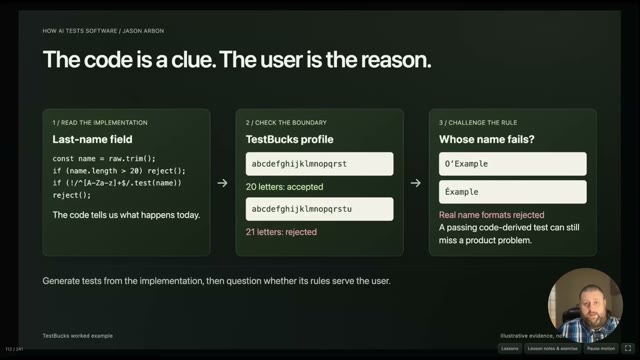 3:41
Challenge the implementation and its boundaries. A recorded TestBucks-based lesson with Jason Arbon.
IN THIS VIDEO
 3:49
Prioritize risks with source-aware analysis. A recorded TestBucks-based lesson with Jason Arbon.
IN THIS VIDEO
 3:25
Formal verification and Lean: where AI helps. A recorded TestBucks-based lesson with Jason Arbon.
IN THIS VIDEO
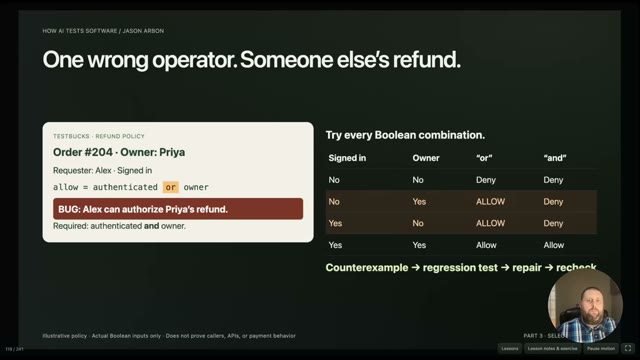 4:07
Check a focused property and its counterexamples. A recorded TestBucks-based lesson with Jason Arbon.
IN THIS VIDEO
 3:03
The changing role of the tester. A recorded TestBucks-based lesson with Jason Arbon.
IN THIS VIDEO
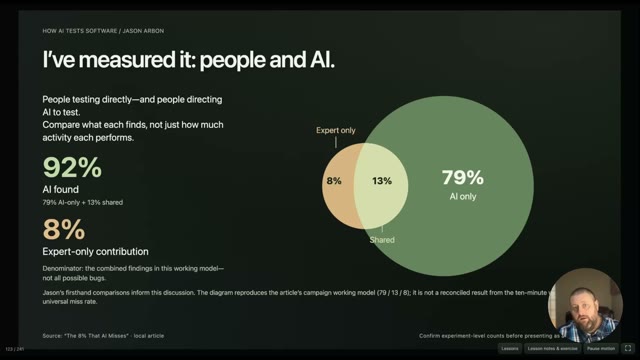 4:18
People and AI: review complementary findings. A recorded TestBucks-based lesson with Jason Arbon.
IN THIS VIDEO
 3:41
Generate test data and combinations at scale. A recorded TestBucks-based lesson with Jason Arbon.
IN THIS VIDEO
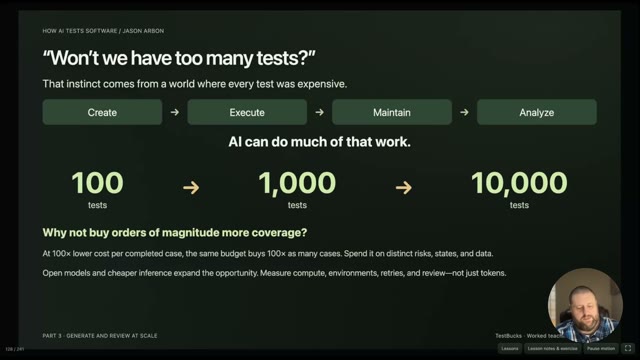 4:45
Manage review overload with sampling. A recorded TestBucks-based lesson with Jason Arbon.
IN THIS VIDEO
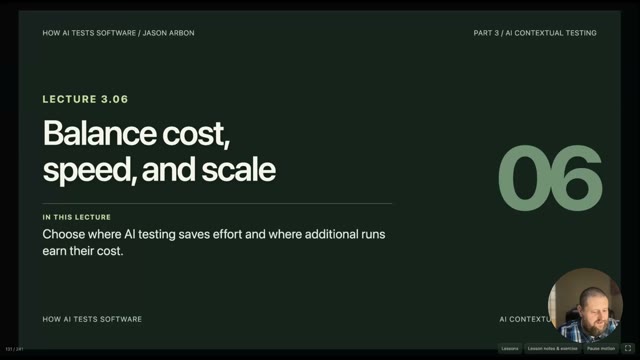 6:00
Balance model cost, capability, and speed. A recorded TestBucks-based lesson with Jason Arbon.
IN THIS VIDEO
Run local models with Ollama. A recorded TestBucks-based lesson with Jason Arbon.
IN THIS VIDEO
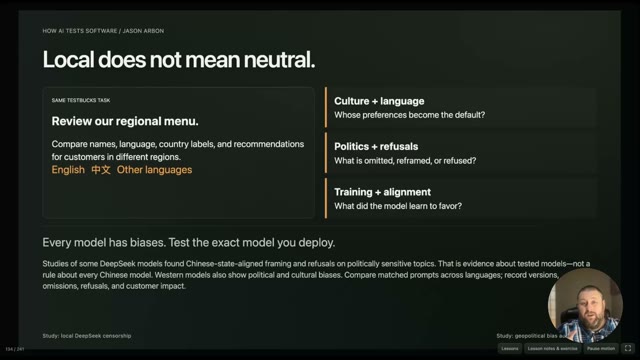 2:15
Local models still have biases and risks. A recorded TestBucks-based lesson with Jason Arbon.
IN THIS VIDEO
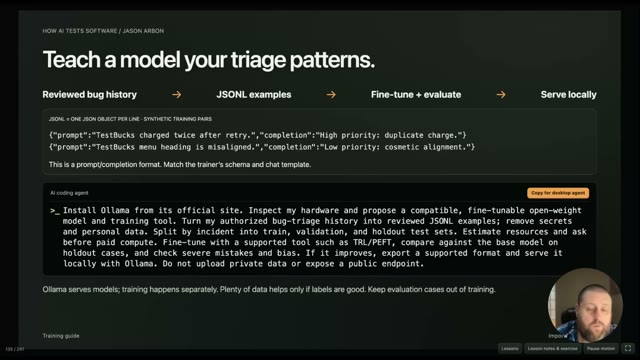 3:14
Fine-tune a model on your triage examples. A recorded TestBucks-based lesson with Jason Arbon.
IN THIS VIDEO
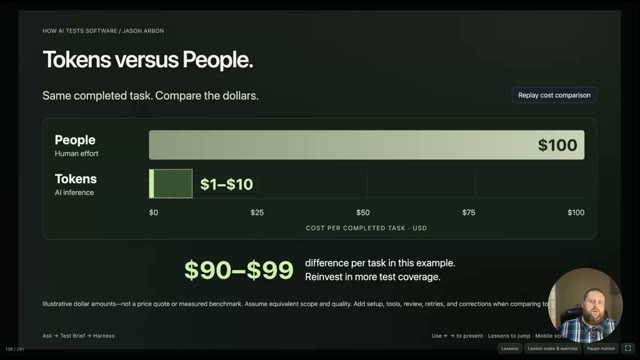 2:52
Compare cost, parallelism, and availability. A recorded TestBucks-based lesson with Jason Arbon.
IN THIS VIDEO
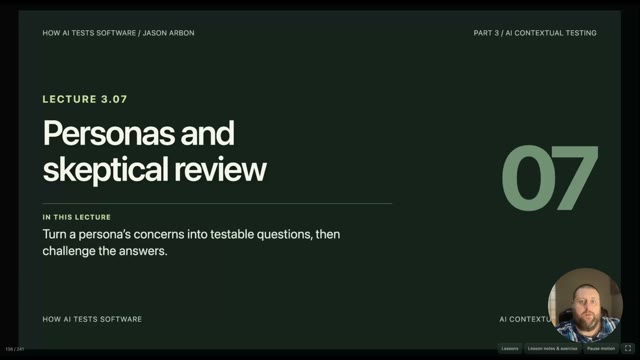 3:35
Personas and skeptical review. A recorded TestBucks-based lesson with Jason Arbon.
IN THIS VIDEO
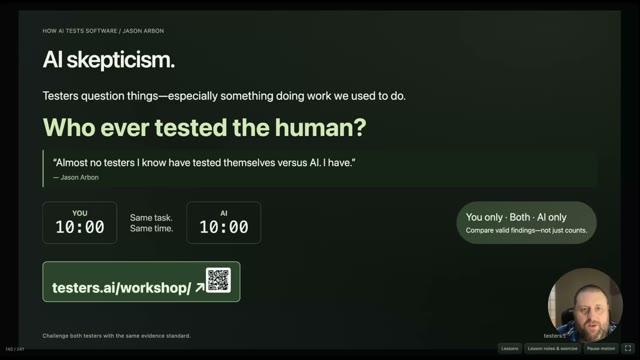 3:06
Challenge your assumptions about AI testing. A recorded TestBucks-based lesson with Jason Arbon.
IN THIS VIDEO
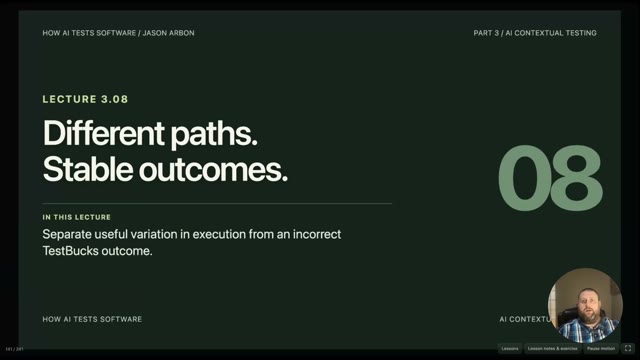 3:38
Different paths, stable outcomes. A recorded TestBucks-based lesson with Jason Arbon.
IN THIS VIDEO
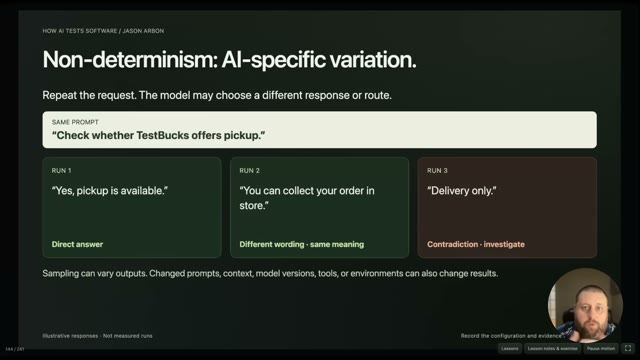 2:15
Check meaning across varying responses. A recorded TestBucks-based lesson with Jason Arbon.
IN THIS VIDEO
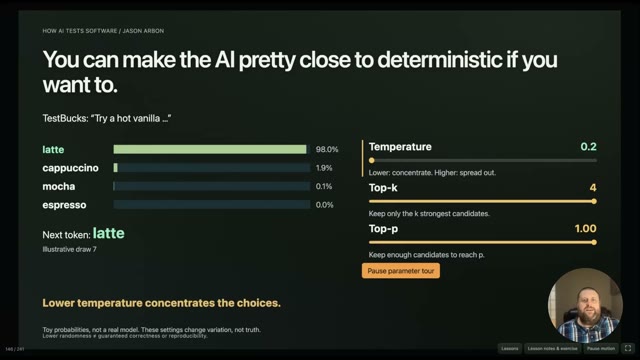 3:05
Temperature, top-k, and top-p. A recorded TestBucks-based lesson with Jason Arbon.
IN THIS VIDEO
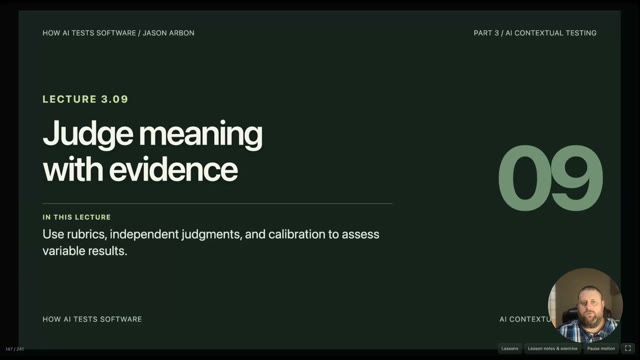 2:40
Judge meaning with evidence. A recorded TestBucks-based lesson with Jason Arbon.
IN THIS VIDEO
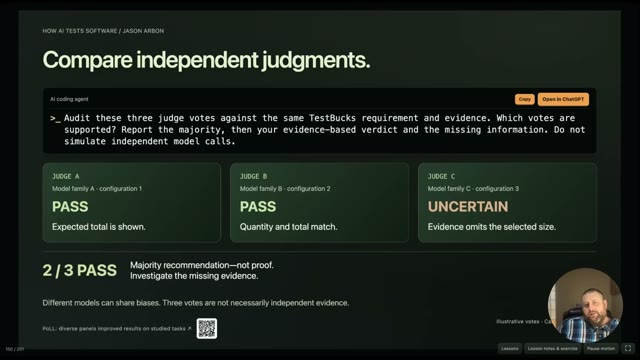 1:25
Compare and calibrate independent judges. A recorded TestBucks-based lesson with Jason Arbon.
IN THIS VIDEO
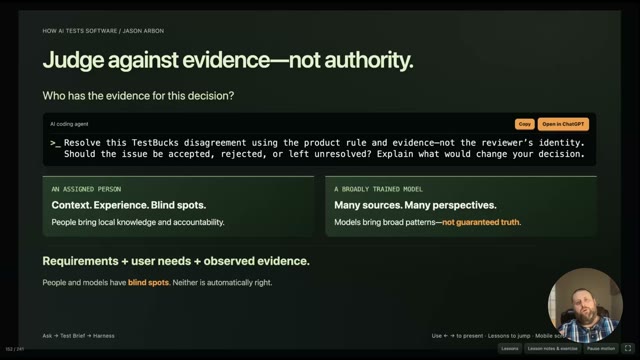 3:12
Judge against evidence, not authority. A recorded TestBucks-based lesson with Jason Arbon.
IN THIS VIDEO
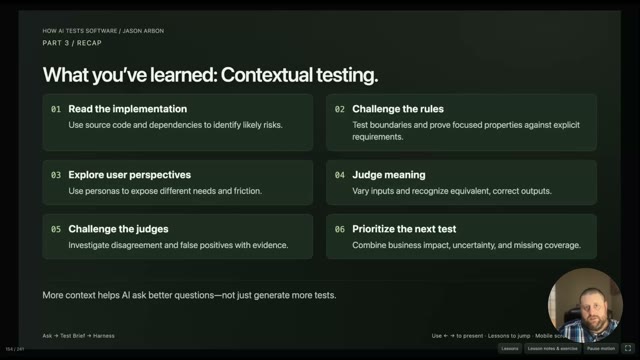 1:24
Part Three recap: contextual testing. A recorded TestBucks-based lesson with Jason Arbon.
IN THIS VIDEO
 9:24
Keep the promise. Adapt the path. A recorded lesson with Jason Arbon.
IN THIS VIDEO
Reuse intent across surfaces. A recorded lesson with Jason Arbon.
IN THIS VIDEO
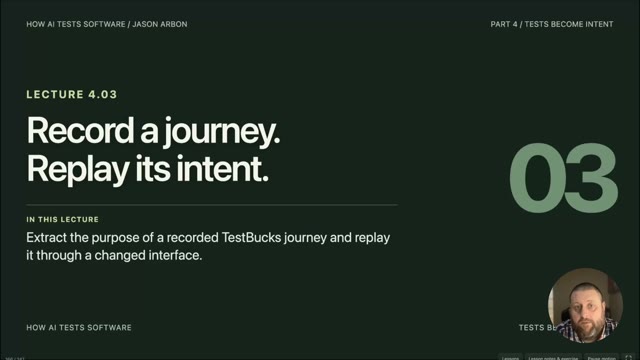 2:38
Record a journey. Replay its intent. A recorded lesson with Jason Arbon.
IN THIS VIDEO
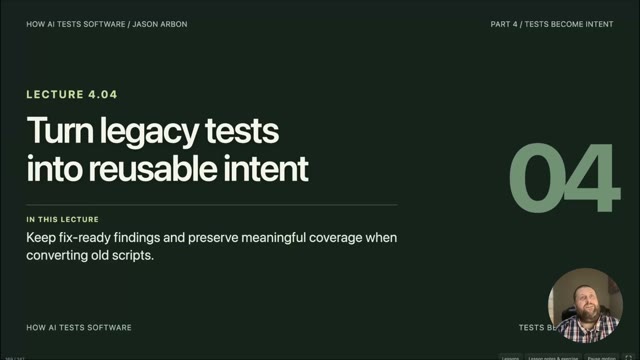 5:58
Turn legacy tests into reusable intent. A recorded lesson with Jason Arbon.
IN THIS VIDEO
 3:09
Make outcomes observable. A recorded lesson with Jason Arbon.
IN THIS VIDEO
 5:07
Plan a bounded load test. A recorded lesson with Jason Arbon.
IN THIS VIDEO
 6:30
Inject a fault. Verify recovery. A recorded lesson with Jason Arbon.
IN THIS VIDEO
Coordinate the testing workflow. A recorded lesson with Jason Arbon.
IN THIS VIDEO
 7:04
Give specialists context and direction. A recorded lesson with Jason Arbon.
IN THIS VIDEO
 6:42
Save evidence. Compare runs. A recorded lesson with Jason Arbon.
IN THIS VIDEO
 22:33
Build a release recommendation. A recorded lesson with Jason Arbon.
IN THIS VIDEO
 7:20
Run isolated workers in parallel. A recorded lesson with Jason Arbon.
IN THIS VIDEO
 7:57
Choose and steer the next test. A recorded lesson with Jason Arbon.
IN THIS VIDEO
 20:56
Test changing experiences. A recorded lesson with Jason Arbon.
IN THIS VIDEO
 10:47
AI as a proof engineer. A recorded lesson with Jason Arbon.
IN THIS VIDEO
AI learns to test games. A recorded lesson with Jason Arbon.
IN THIS VIDEO
 18:28
Software that tests and repairs itself. A recorded lesson with Jason Arbon.
IN THIS VIDEO
Browse every lesson here. Only marked previews are publicly playable; watch the full course on Udemy →. Practice time is additional.
Course completion certification is available only to people who have taken this course and passed its exam. All questions must be answered correctly; you can review and retry.
Submit your self-reported completion code to Jason for manual review. This is a course certificate—not professional accreditation or an automatically verified credential.
Open the exam · access code required →
Build your skills through the course’s guided lessons, demonstrations, and hands-on exercises. Keep the optional book nearby to look up concepts as you put those skills to work.
Buy the book on Amazon → Built by testers.ai
I’ve packed my testing experience and methods into CARBON, an AI plugin that helps investigate bugs, build and run tests, and assess release confidence. Put it to work on your product, and take the credit.

Add instant-on AI QA bandwidth and coverage, with human testing expertise. Start getting value in days, and get help learning to run it yourself.